
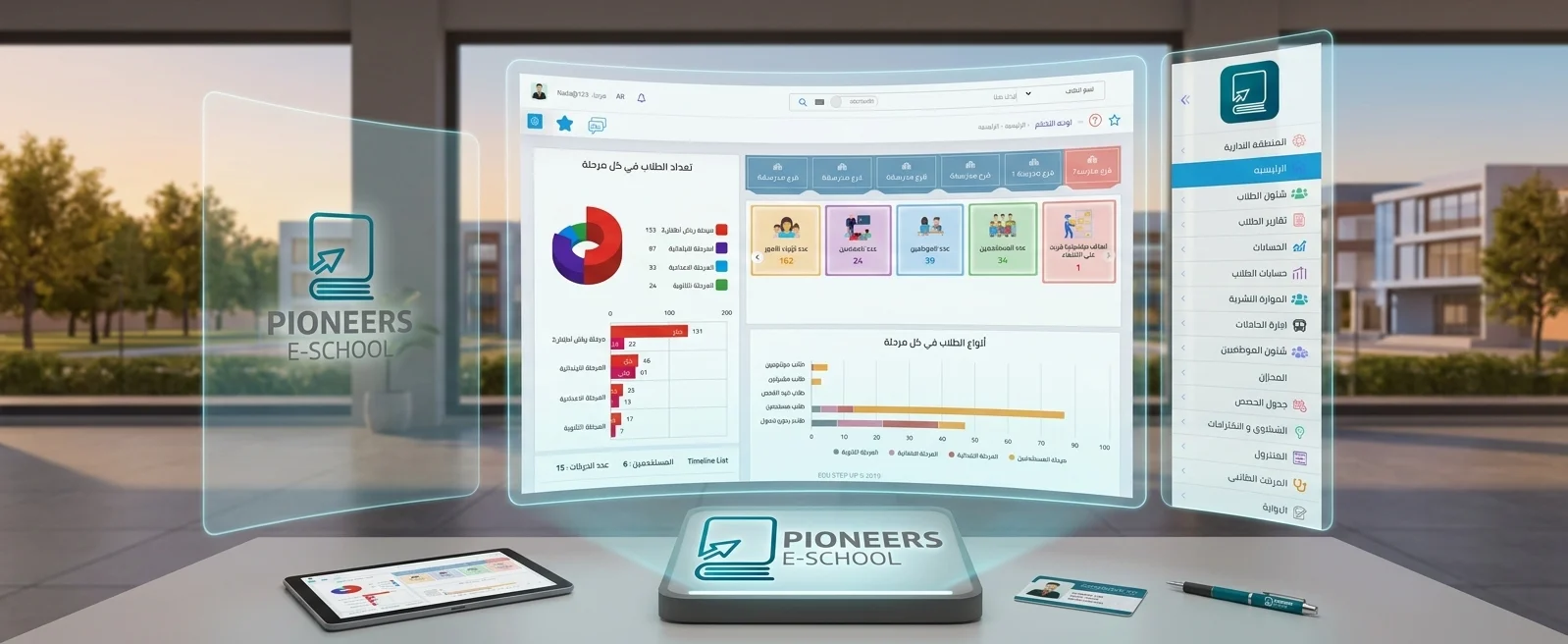
Manage student fees, installments, and general school accounting from one platform, with a direct connection between student records, collections, journal entries, treasuries, banks, and financial reports. Private school accounting software is a financial and administrative system that connects student fees, installments, and payments with the school’s general accounting operations. It helps school administrators and accountants record transactions, organize the chart of accounts, monitor treasuries and banks, generate reports, and understand the school’s financial position without relying on disconnected spreadsheets or duplicate data entry. The school’s financial cycle starts with the student account. Recording a payment alone is not enough. The school needs a clear fee structure connected to the educational stage, grade, academic year, and due date. A school accounting system organizes this cycle from setting up fees to issuing receipts and generating collection reports. Learn more about the fees and installments module in the student accounts and school fee management system. You can also review the school fees management software guide. After student fees are recorded, the school needs to post and review its financial activity within an organized accounting system. Pioneers E-School provides tools for the chart of accounts, journal entries, receipt and payment vouchers, cost centers, treasuries, and banks, with the ability to connect accounts to one or more branches. Explore the school financial management system for the full accounting workflow. You can also read how to prepare a complete chart of accounts for a private school. The value of school accounting software is not limited to recording transactions. It appears in how quickly management can access reliable information. Reports can show total collections and outstanding balances, review treasury or bank movements, analyze revenue and expenses, and compare branches or cost centers. A school needs a clear document cycle that starts with the fee obligation and ends with proof of payment and the correct financial document. When choosing accounting software, confirm how fees, accounts, receipts, and invoices are connected, and how the system supports the electronic invoice and receipt requirements applicable to the school. Closing the school year is more than changing the academic-year name. It includes reviewing student accounts, carrying forward balances, confirming that entries and reports are complete, and preserving the records needed before a new year begins. A connected system supports these steps without rebuilding the accounts manually. School accounting cannot operate separately from the other departments. Pioneers E-School connects student accounts and general accounting in one system, allowing data to move from registration and fees to reports and journal entries according to each user’s permissions. No. It can cover student fees, installments, payments, general accounting, the chart of accounts, journal entries, treasuries, banks, cost centers, and reports, depending on the modules enabled for the school. The purpose of an integrated system is to reduce duplicate entry and connect fee and collection transactions with the school’s approved documents, reports, and accounts. The system helps connect branches, accounts, treasuries, and banks while giving management branch-level or consolidated reports according to the configured permissions. Contact the Pioneers E-School team to request a demo based on your school’s workflow and discuss the required fees, accounting, and reporting modules.Manage School Fees, Installments, and General Accounting in One Platform
What Is Private School Accounting Software?
Manage Student Fees and Installments in One Place
General Accounting and the School Chart of Accounts
Accounting component How it supports the school Chart of accounts Organize assets, liabilities, equity, revenue, and expenses into main and sub-accounts. Journal entries Record transactions, adjustments, and internal transfers in a reviewable format. Treasuries and banks Track balances and movements while linking each treasury or bank account to the correct branch. Cost centers Analyze the cost of transportation, activities, and other school operations. Receipt and payment vouchers Document incoming and outgoing amounts with the ledger, treasury, account, and recipient details. Financial Reports That Support Better Decisions
Electronic Invoicing and Connected Financial Transactions
How Does the System Support School-Year Closing?
Learn how Pioneers E-School supports successful school-year closing
Why Choose Pioneers E-School for School Accounting?
What Should You Ask Before Choosing School Accounting Software?
Frequently Asked Questions
Does school accounting software manage only fees and installments?
Are student accounts connected to general accounting?
Is the system suitable for schools with more than one branch?
How can I understand the system before making a decision?
 share:


Related Articles
2023-07-09
Mohamed Abdelsalam
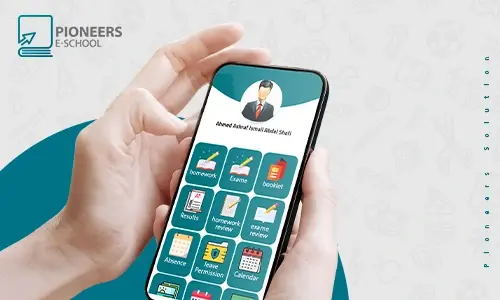
School application on smartphones
The online application in the Pioneers E-school system helps bring all educational parties closer to the student, the guardian, the teacher and the ra...