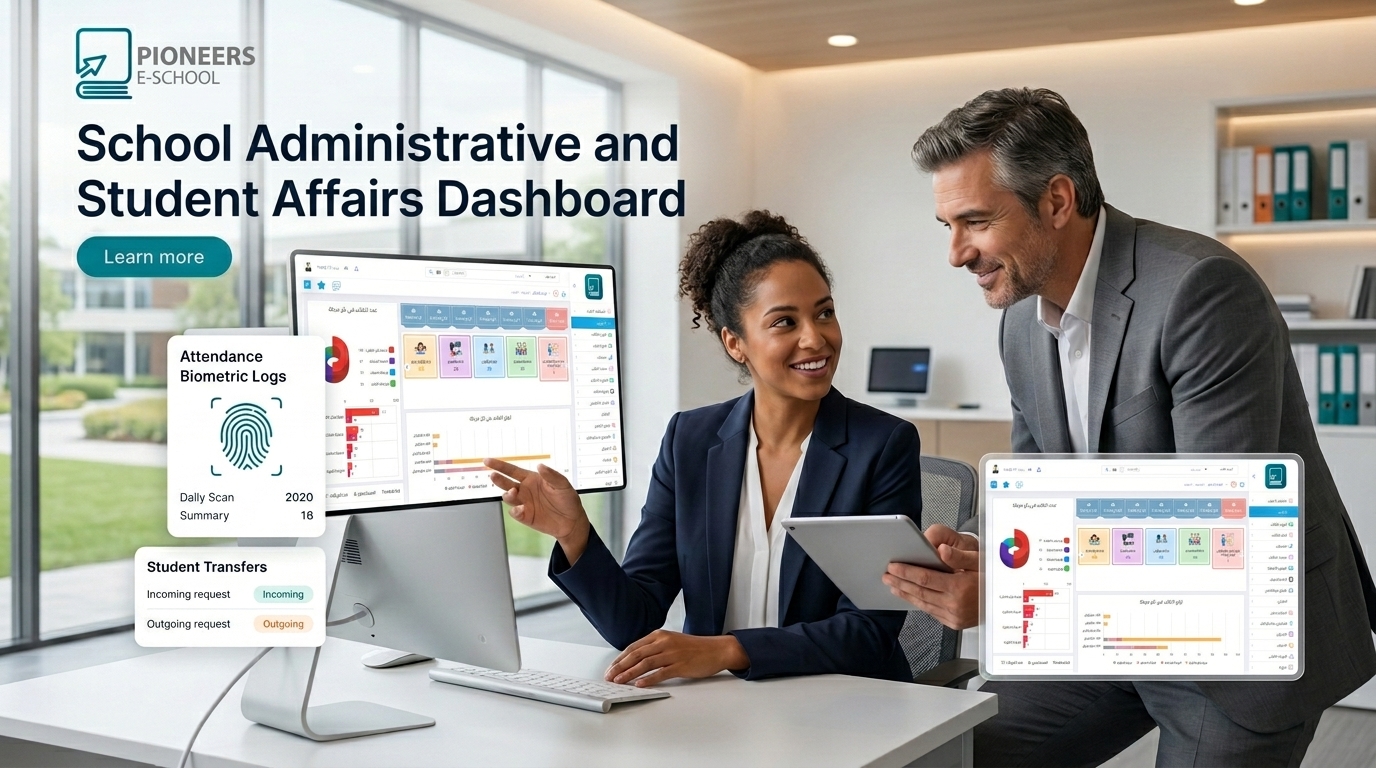
Best Integrated School Accounts Software
2026-10-28
Pioneers E-school
Pioneers E-school
Best Integrated School Accounts Software

Best Integrated School Accounts Software

In the era of modern technology and the rapid advancement of knowledge, managing schools and educational institutions has become a complex challenge that requires modern tools and solutions to ensure the effectiveness of administrative and accounting processes. This is where Pioneers E-School comes into the picture. It is an integrated administrative and accounting program that represents an essential pillar for schools and educational institutions in organizing financial business and accounts.

Best Integrated School Accounts Software

A guide to choosing school accounting software

Best Integrated School Accounting Software for Accounts, Fees, and Installments

Learn how to manage private school accounts, branches, tuition fees, installments, journals, cashboxes, and banks through Pioneers E-School, with clear financial reports that support better decisions.

Call: 01003282220Request a WhatsApp Demo

What Is Integrated School Accounting Software?

It is an accounting and administrative system that connects revenue, expenses, fees, installments, student accounts, employee accounts, and branches in one platform. It helps schools record financial transactions, prepare journal entries, monitor balances, and generate reports instead of relying on separate files or manual records.

Why Does a School Need Integrated Accounting Software?

Private schools handle many financial operations, including fee collection, installments, discounts, employee salaries, operating expenses, suppliers, cashboxes, and bank accounts. As the number of branches or educational stages grows, recording and reviewing these operations manually becomes more vulnerable to delays and errors.

Connected dataConnect student, collection, accounting, and reporting data in one system.
Financial controlMonitor receipts, expenses, balances, and transactions by branch and period.
Faster decisionsAccess clear reports that support planning and management decisions.

Why Is Pioneers E-School a Suitable Accounting System for Schools?

Pioneers E-School is an integrated administrative and accounting system for private and international schools. It includes tools for managing revenue, expenses, fees, installments, employee salaries, and financial reports.

  • A multi-level chart of accounts for the school and its branches.
  • An interface for monitoring student accounts and financial transactions.
  • Management of teacher and employee accounts, daily revenue, and general expenses.
  • Real-time reports showing the financial position for a selected period.
  • Support for multiple currencies, checks, and bank transactions according to school settings.
  • Integration options for electronic invoices and electronic receipts.
  • Training and technical support to help the school team start using the system.

Learn more about accounts, journals, cashboxes, and banks through the School Financial Management System.

Managing the School Chart of Accounts

The software organizes the private school chart of accounts to help management control main and subaccounts. The chart can be divided into assets, liabilities, equity, revenue, and expenses, with internal levels that match the school’s structure.

  • Add, edit, or remove an internal account level according to permissions.
  • Connect an account to one or more school branches.
  • Define whether an account is debit or credit in nature.
  • Direct an account to appear in the balance sheet or income statement.
  • Generate a statement for any account or level over a selected period.
  • Compare profits and losses across branches for a clearer management view.

Managing Journals, Vouchers, Cashboxes, and Banks

School accountants need to record each financial transaction while documenting its source, value, and connected accounts. Pioneers E-School provides tools to organize these processes:

  1. Daily journals: Record journal entries, adjustments, and transfers from one account to another.
  2. Receipt vouchers: Record incoming vouchers and define the branch, currency, journal, receipt number, value, cashbox, and recipient.
  3. Payment vouchers: Issue payments from a cashbox or bank to an account or branch, with the payment type, value, and recipient.
  4. Cost centers: Direct expenses and revenue to a specific activity, bus service, department, or branch.
  5. Receipt and payment journals: Define the journal type, connect several branches, and direct the transaction to the correct account.
  6. Cashboxes and banks: Manage bank accounts and cashboxes and connect them to one or more branches.
  7. Opening balances: Add a debit or credit opening balance when creating a cashbox or bank account.

Managing Student Accounts, Fees, and Installments

Pioneers E-School connects general accounting with the Student Accounts Management System to help schools organize fees, dues, and collections.

  • Add the fees for each grade and assign them to students.
  • Record student debts and monitor payments.
  • Set sibling discounts and exceptional discounts.
  • Organize installments and define due dates.
  • Follow payments and outstanding balances in the student profile.
  • Generate financial reports about student fees and collection status.

These processes can be connected with the Private School Accounting Software for Fees, Installments, and General Accounts, along with the School Fees Management Software for collection organization.

Financial Reports and Trial Balance

Reports help management understand financial activity instead of merely recording it. The system allows the school to review transactions for a selected period and branch, generate account statements and journal entries, and display debit and credit values with a brief or detailed entry description.

  • Generate daily journals, payment vouchers, and receipt vouchers.
  • Prepare a daily, weekly, monthly, or custom-period trial balance.
  • Review revenue, expenses, and debit and credit balances.
  • Print reports or export them to Excel or PDF.
  • Prepare monthly account statements and review opening balances and monthly transactions.
  • Compare branch financial results more clearly.

How to Choose the Best School Accounting Software

Before choosing a system, make sure it matches the school’s workflow rather than functioning only as a general accounting program. Review the following questions:

  • Does it support branches, cost centers, and multi-level accounts?
  • Does it connect student accounts with fees, installments, and collections?
  • Does it provide clear permissions and reviewable reports?
  • Does it cover receipts, payments, cashboxes, banks, and journals?
  • Can it scale when the school adds stages or activities?
  • Are training and technical support available for the management and accounting teams?

Frequently Asked Questions About School Accounting Software

Is the software suitable for private and international schools?

The system is designed to manage administrative and financial operations in schools, with configurable accounts, branches, and fees that match the institution’s structure.

Can the school track student accounts and installments?

Yes. The system provides tools for fees, discounts, installments, debts, payments, and student-related financial reports.

Can the system manage more than one branch?

It helps connect accounts, branches, cost centers, cashboxes, banks, and reports, giving management a unified view while keeping each branch organized.

Manage Your School Accounts from One System

Contact the Pioneers E-School team to learn more about the software and request a demo that fits your school’s needs.

Call 01003282220Contact Us on WhatsApp

Request the trial version


Write your message

Comments
Mohammed Osman
Mohammed Osman
أريد النسخة التجريبية
فتحية سعيد
فتحية سعيد
الرجاء مدي برنامج حسابات لتسيير مدرسة حرة
Ahmed Nashaat
Ahmed Nashaat
السلام عليكم برجاء إرسال نسخة تجريبية
الحسن عبدالله حاج وبير
ممكن الحصول على معلومات اكثر عن البرنامج ومميزاته والحصول على نسخه تجريبيه
Ahmed Elsayed
Ahmed Elsayed
ديمو للبرنامج ونسخة تجريبية
حيدر رعد
حيدر رعد
حساب مدرسي
hamid ouanzid
Pioneers E-school
العفو يا فندم احنا تحت امرك
أيمن المعلم
أيمن المعلم
أود الحصول على نسخة تجريبة من برنامج محاسبةالمدارس
hamid ouanzid
Pioneers E-school
شكرا
خليل
خليل
ممكن برنامج اكاديمي ومحاسبي مجاني لمؤسسة خيرية تعليمية
hamid ouanzid
Pioneers E-school
jcgcjvfcf
Mohamed hassaan
Mohamed hassaan
برنامج محاسبة للمدارس
hamid ouanzid
Pioneers E-school
هيتم التواصل مع حضرتك فى اقرب وقت ممكن

Related Articles

School Student Affairs Tasks & Registers Guide | Pioneers E-School

2026-08-19

Mohamed Abdelsalam

School Student Affairs Tasks & Registers Guide | Pioneers E-School

Article Summary (School Student Affairs Tasks & Registers Guide): School Student Affairs Responsibilities: Includes managin...

Smart Learning in Egyptian Schools: The Complete Digital Transformation Guide 2026

2023-05-25

Mohamed Abdelsalam

Smart Learning in Egyptian Schools: The Complete Digital Transformation Guide 2026

Article Summary: What is Smart Learning? An educational model utilizing technology and AI to customize learning for each studen...

Turn Your School into a Smart School in 5 Steps

2026-04-14

Mohamed Abdelsalam

Turn Your School into a Smart School in 5 Steps

  Digital transformation in education is not just about buying devices. It is a complete shift in how your school operates.   As...